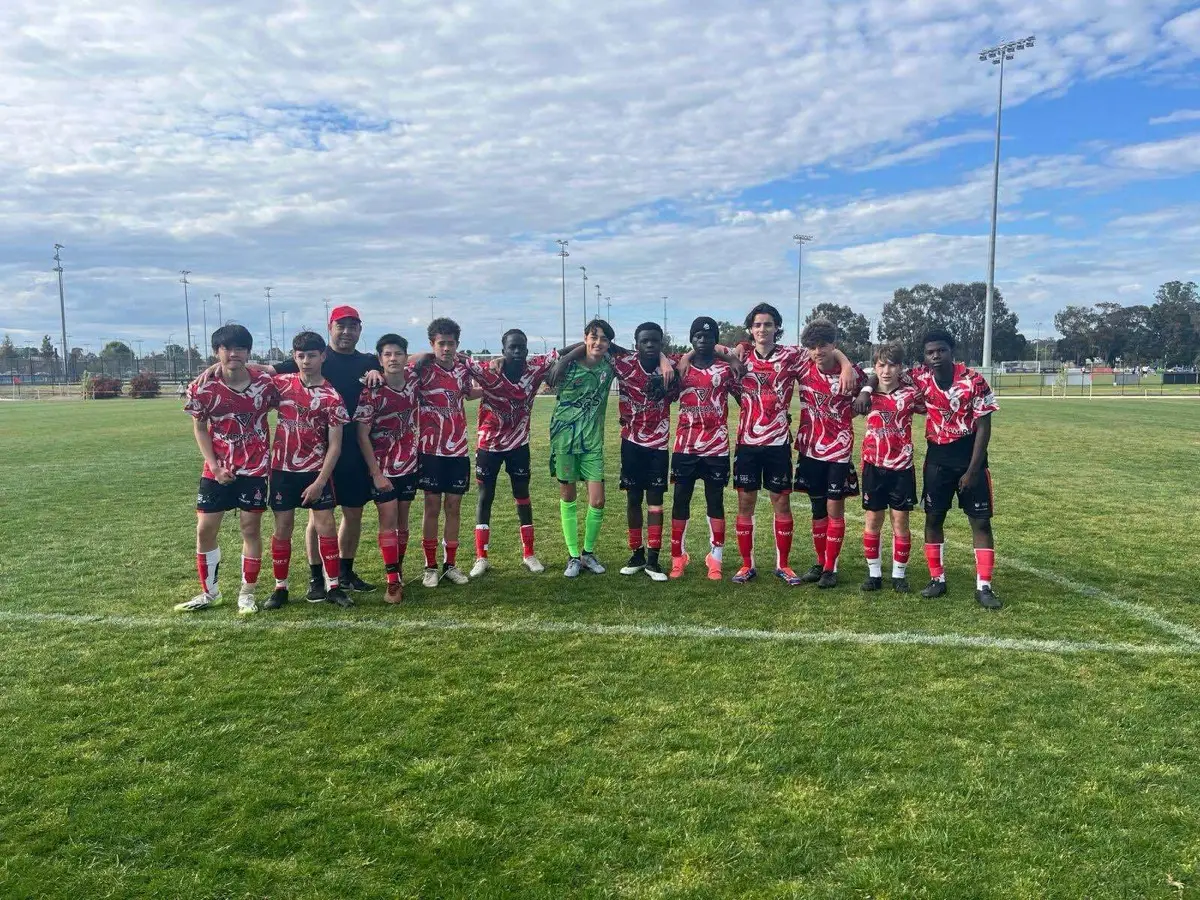
Clubs often treat a Media Day as a one-off event — great photos, posted once, then filed away. With a bit of planning, the same shoot can support a whole season of social content instead.
Start with a content calendar, not just a gallery
Before the season starts, map out the moments you’ll want content for: round-by-round match previews, player of the week, milestones, sponsor shout-outs, finals build-up. Match those moments against what your Media Day library can support.
Batch your templates early
If your club uses consistent graphic templates for things like team announcements or match previews, build them once, using Media Day portraits and cutouts as the standard image source. This turns a five-minute job every week into something that takes thirty seconds.
Rotate through the full library
It’s tempting to keep using the same two or three “best” shots. A full Media Day library usually has enough variety — different poses, different players, team shots, detail shots — to avoid repeating the same handful of images all season.
Save some content for later in the year
Not everything needs to be posted in Round 1. Holding some imagery back for finals week, presentation night or milestone posts later in the season means the content still feels fresh months after the shoot itself.
The result
One organised shoot, planned properly, can genuinely carry a club’s social media content needs from pre-season through to presentation night — without needing a photographer at every single game.